BISP 8171 Wallet SIM Activation 2026 – Complete Guide
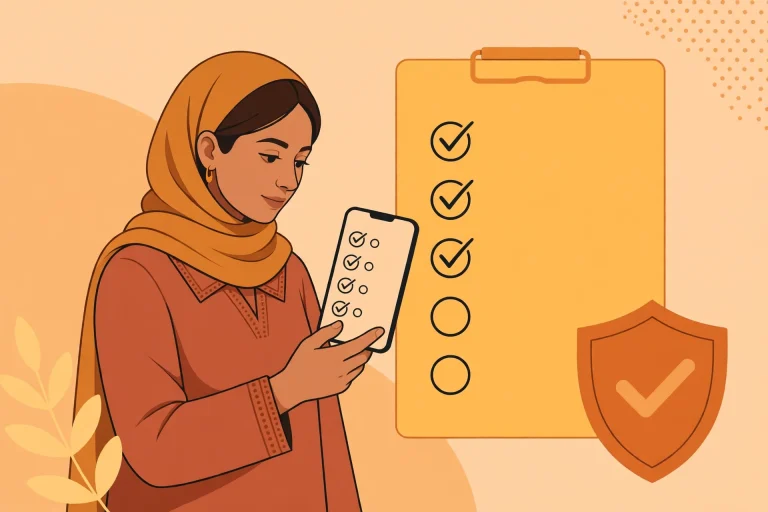
The BISP 8171 wallet SIM is a free mobile SIM issued to eligible BISP beneficiaries as the key to the 8171 Social Protection Wallet. If you are a BISP beneficiary, this guide explains what the BISP 8171 wallet SIM is, how to collect and activate it, how to withdraw your installment, and what to do if your portal status shows an error.
Redirects to the official 8171 portal (8171.bisp.gov.pk) — check your status there.
Note: This is an independent informational guide. It is not an official government website. For official services, always use the BISP portal at 8171.bisp.gov.pk or call the toll-free helpline 0800-26477.
What Is the BISP 8171 Wallet SIM?
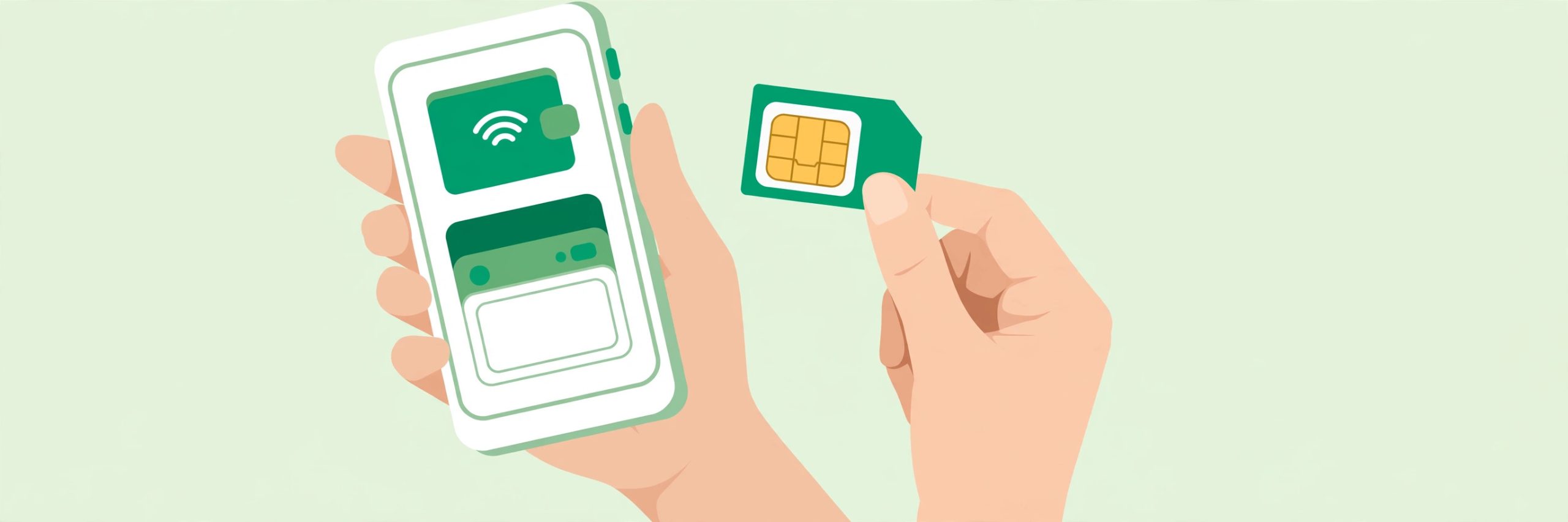
The BISP 8171 wallet SIM is a mobile SIM card issued to eligible BISP beneficiaries as part of the Social Protection Wallet system. It is linked to the beneficiary’s CNIC and is used to activate a digital wallet account into which BISP installments are transferred.
Under this system, instead of collecting cash from crowded distribution camps, beneficiaries receive their quarterly installment directly in their wallet. The standard Kafalat installment in 2026 is Rs. 13,500 per quarter. Every transaction on the wallet is confirmed by an official SMS sent from 8171, so beneficiaries always know when money arrives.
The nationwide shift to wallet-based payments began rolling out in 2026, and BISP has distributed millions of free SIMs to eligible women across Pakistan.
Who Can Get a Free BISP 8171 Wallet SIM?
The free SIM is meant for women who are registered BISP beneficiaries. In general, you can collect one if:
- You are an active BISP Kafalat beneficiary.
- You hold a valid NADRA-issued CNIC.
- You visit an authorized BISP office or designated campsite in person.
One important condition applies across the whole system: the BISP 8171 wallet SIM must be registered on the beneficiary’s own CNIC. A SIM registered in the name of a husband, son, or any other relative cannot be used to activate the wallet, and payments may be blocked.
How to Collect Your Wallet SIM – Step by Step
Collecting the SIM requires a physical visit. There is no way to receive it by post or through an agent. Follow these steps:
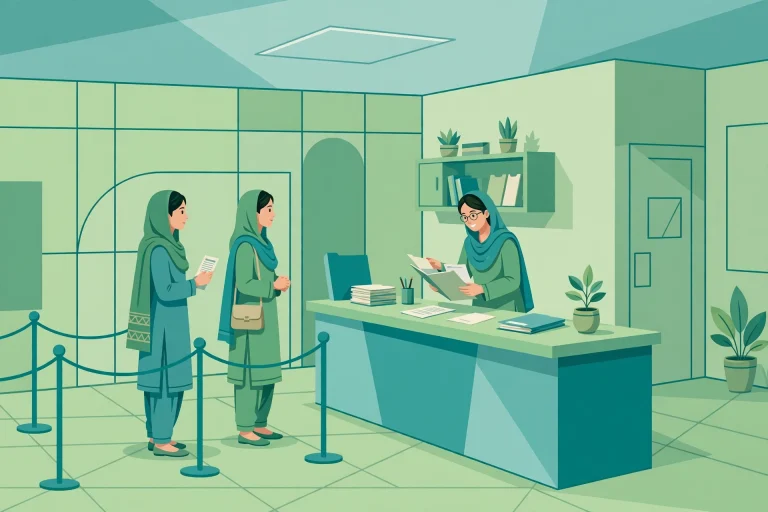
Step 1: Visit Your Nearest BISP Tehsil Office
Go to the BISP Tehsil Office of your district or a designated wallet distribution campsite. These are the only authorized places to collect the SIM.
Step 2: Bring Your Original CNIC
Carry your original, valid CNIC. Photocopies alone are not enough, because your identity must be verified on the spot.
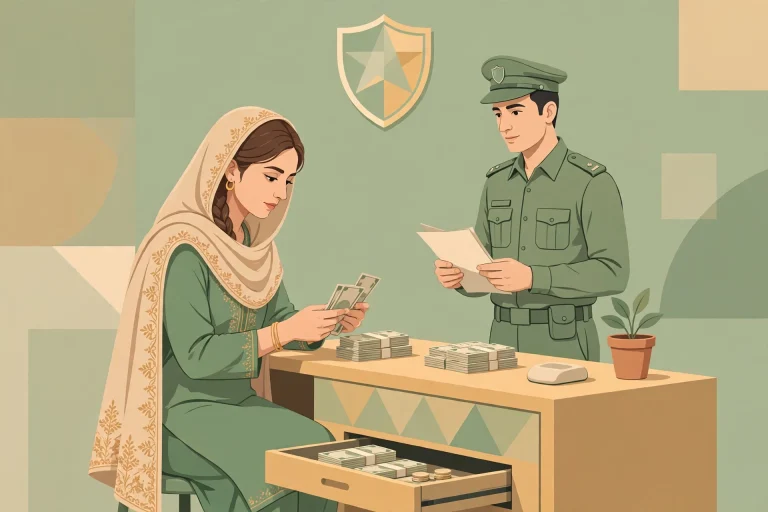
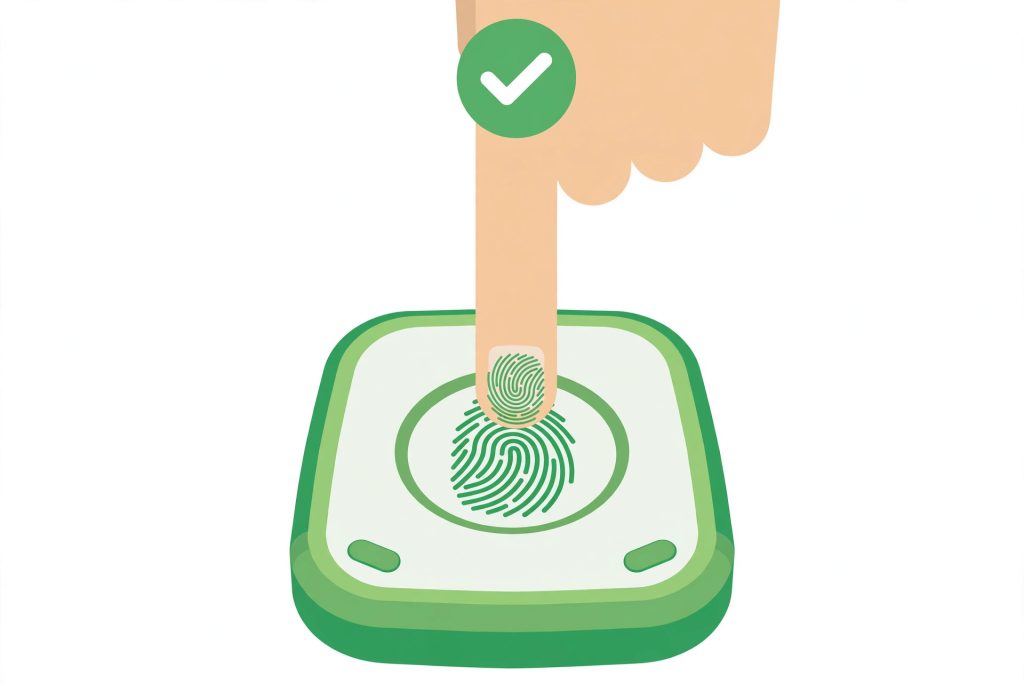
Step 3: Complete Biometric Verification
At the office, your thumbprint or fingerprint will be checked against NADRA records. This biometric step confirms that you are the genuine beneficiary.
Step 4: Receive Your SIM
Once verification is successful, you will be issued the free wallet SIM registered in your name. Keep it safe — this SIM is the key to your digital wallet, not just an ordinary mobile connection.
Step 5: Wait for the Activation SMS from 8171
Wallet accounts are created by the BISP head office after your data is processed. When your wallet is ready, you will receive an official SMS from 8171 confirming activation. Only trust messages that come from the 8171 code.
How Wallet Activation Works
Activation is not instant at the counter. After you collect the SIM, BISP processes your records: it checks that the SIM was issued through the official process, matches your CNIC and biometric data, and then creates the wallet account in your name.
This back-office verification can take some time, so do not worry if your wallet is not active on the same day you collect the SIM. Keep the SIM switched on and keep checking your status on the official 8171 portal.
How to Withdraw Your Rs. 13,500 Installment
Once your wallet is active and the installment is transferred, you can access the money in the following ways:
- Biometric ATMs: Withdraw cash from biometric-enabled ATMs of BISP’s partner banks, including HBL and Bank Alfalah.
- Authorized agents and retailers: Collect your payment from designated partner agents after biometric verification.
- Digital transfers: Depending on the wallet partner in your district (such as JazzCash or Easypaisa), you may also be able to transfer funds or check your balance through the wallet service.
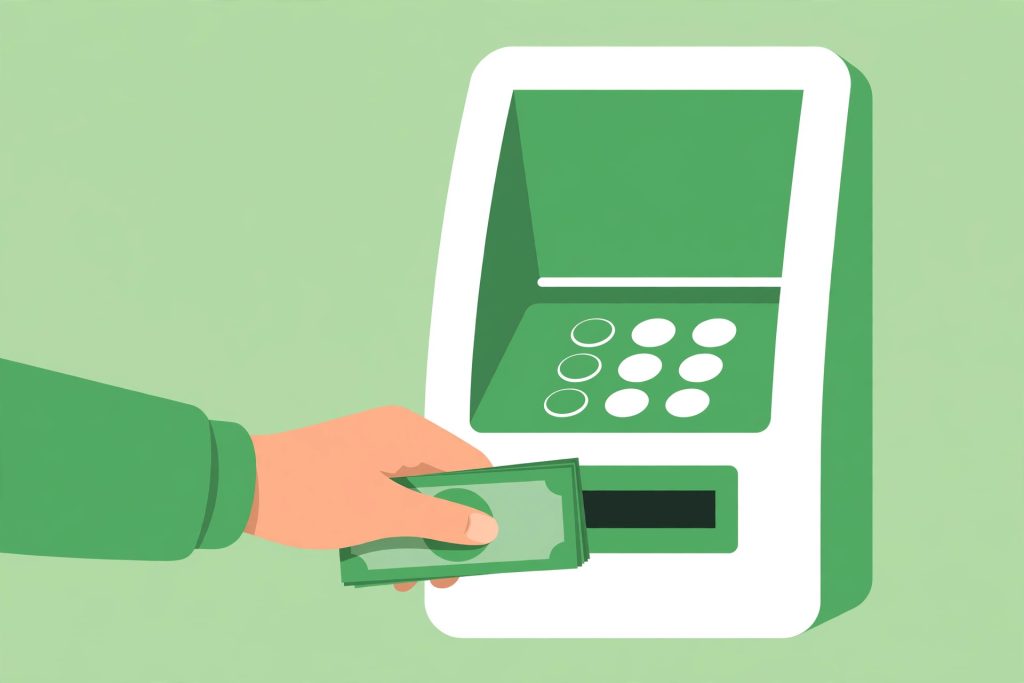
You will receive an SMS from 8171 each time funds are released, so you will know exactly when to withdraw.
Troubleshooting: “SIM Not Issued” and “Wallet Inactive”
These are two real statuses that beneficiaries see on the 8171 portal. Here is what each one means and what to do.
Status: “SIM Not Issued”
This generally means your SIM has not yet been verified under the BISP digital wallet system. It does not necessarily mean you are ineligible — it means the verification step is incomplete.
What to do:
- Visit your nearest BISP Tehsil Office as soon as possible.
- Carry your original CNIC.
- Ask the officer to complete your SIM verification process.
- Keep checking your status on 8171.bisp.gov.pk afterward.
Do not rely on social media claims that payments will be released automatically within a few days. The correct path is completing verification at the BISP office.
Status: “Wallet Inactive”
This usually means BISP is still verifying beneficiary records before activating the digital wallet. During this stage, authorities check whether the registered SIM was obtained through the official BISP process and whether all records match.
What to do:
- Be patient while verification is underway — this stage can take some time.
- Avoid making unnecessary changes, such as swapping the SIM to another phone number, during verification.
- Keep checking the official portal for a status change.
- If the status does not change after a reasonable period, visit your BISP Tehsil Office and ask an officer to review your case.
SIM Safety Tips
Your BISP 8171 wallet SIM is directly connected to your BISP payments, so treat it with care:
- Never hand your SIM to anyone else, including relatives, agents, or strangers who offer to “help” with your payment.
- Collect your SIM only from authorized BISP offices or designated campsites. Do not accept a SIM from an unauthorized shop or agent.
- Keep the SIM active so you continue receiving 8171 alerts about payments and eligibility.
- Never pay anyone for SIM issuance, wallet activation, or payment release. All BISP services are free — report anyone demanding money to the helpline.
- Ignore messages from unknown numbers claiming to be BISP. Official communication comes only from 8171.
Frequently Asked Questions
1. Is the BISP wallet SIM really free?
Yes. Eligible women receive the SIM free of cost from authorized BISP offices and designated campsites. If anyone asks you for money for the SIM, do not pay — report it to 0800-26477.
2. Can I use my existing personal SIM for the BISP wallet?
No. The wallet must be activated on the dedicated BISP 8171 wallet SIM issued through the BISP process and registered on your own CNIC. A SIM in someone else’s name will not work.
3. I collected my SIM but never received an activation SMS. What should I do?
First, make sure the SIM is active and in your phone. Then check your status on 8171.bisp.gov.pk. If it still shows an unverified status, visit your BISP Tehsil Office with your original CNIC and ask the officer to check your case.
4. My portal shows “SIM Not Issued.” Does this mean my payments are cancelled?
Not necessarily. It usually means your SIM verification is incomplete. Complete the verification at your nearest BISP Tehsil Office, and your case can proceed from there.
5. Can someone else collect the SIM or withdraw money on my behalf?
No. Collection and withdrawal both require your own biometric verification. This rule exists to protect your money from fraud.
6. What if my fingerprints fail during biometric verification?
Faded or unclear fingerprints are a common issue. You can get your fingerprints updated at NADRA, then retry the verification at the BISP office.
Final Note
The wallet SIM system is designed to make BISP payments safer, faster, and free from unauthorized deductions. Collect your SIM from an official location, keep it secure, and always verify information through official channels like the official BISP website.
If you have school-going children, also read our guide on BISP Taleemi Wazaif 2026 to learn about the education stipend. For the most current updates, visit the official portal at 8171.bisp.gov.pk or call the BISP toll-free helpline at 0800-26477 (free, Monday to Friday during working hours). You can also return to the BISP 8171 Web Portal homepage.