BISP 8171 SMS Check 2026 – Send CNIC to 8171 & Read Your Payment Reply
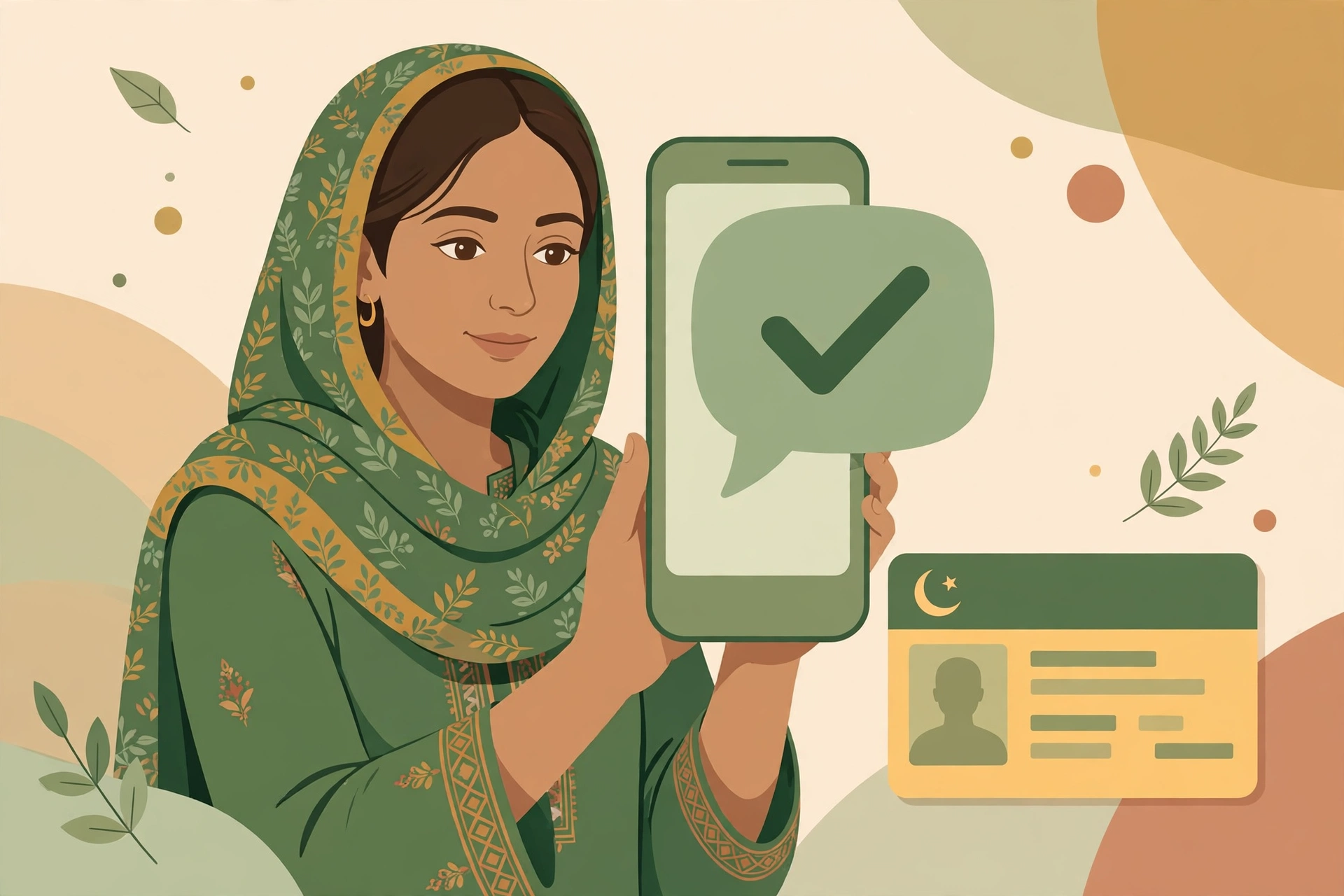
The bisp 8171 sms check 2026 is the simplest way to find out whether your Benazir Kafaalat payment has been released, using only a basic mobile phone and one text message. You send your 13-digit CNIC number to 8171, and BISP replies with your eligibility and payment status, without any need for internet, a smartphone, or a visit to an office. If you prefer the online method, our guide to the 8171 web portal for CNIC and payment status checks explains that option step by step.
What Is the BISP 8171 SMS Check 2026?
The 8171 SMS check is BISP’s official text-message service for checking eligibility and payment status. 8171 is the programme’s only official short code. You send your CNIC number as a text message to 8171 from the mobile number registered in your name, and the system replies with a message about your record. BISP charges no fee for the check itself, although your mobile network may apply its normal SMS charge for sending the message, so check your package if you are unsure.
The service matters most right now because the October to December 2026 qist of Rs 14,500 is being released phase-wise, district by district, through the new six-bank payment system. There is no single national date on which every beneficiary is paid, so the SMS reply is the surest way to know whether your district’s turn has come. BISP’s own notices tell beneficiaries to wait for the official SMS from 8171 before visiting a payment point, and the SMS check lets you confirm the same information yourself instead of travelling and waiting in a queue for nothing.
How to Do the BISP 8171 SMS Check 2026 in 3 Steps
The whole check takes less than a minute. Follow these steps exactly, and use the mobile number that is registered in your name in the BISP record.
Step 1: Open Your Phone’s SMS App
Open the messaging app on any mobile phone. A basic keypad phone works fine; you do not need a smartphone or internet. Make sure you are using the SIM that is registered in your name with BISP. If you have changed your number, update it in the BISP record first, because replies go to the registered number.
Step 2: Type Your 13-Digit CNIC Number and Send It to 8171
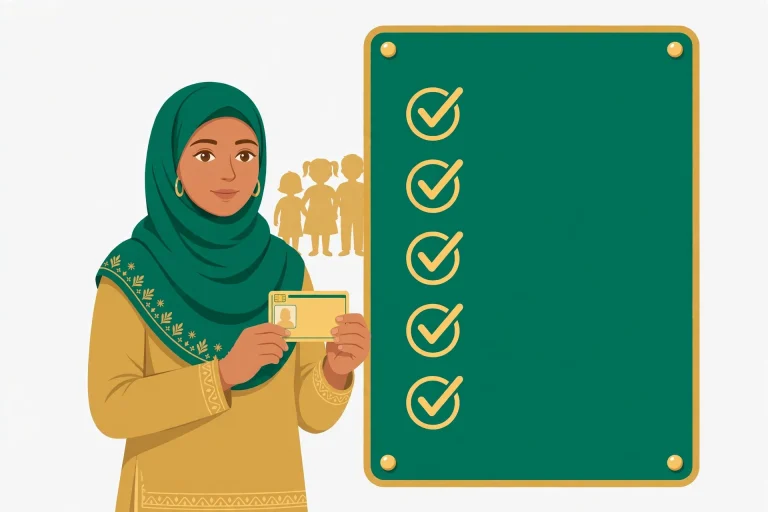
Type your 13-digit CNIC number without dashes or spaces, for example 3520212345678, and send it as a text message to 8171. Do not add your name, and do not write anything else in the message. Send the SMS only to 8171. BISP never asks beneficiaries to send their CNIC to any other number, and any message asking you to do so is a fraud attempt.
Step 3: Read the Reply from 8171
Wait for the reply, which usually arrives within a few minutes. The reply will tell you whether you are eligible, whether a payment has been released in your name, or whether your record is still under verification. Keep the reply on your phone as proof, and read it carefully before you decide to visit a payment point.
What Each 8171 Reply Means
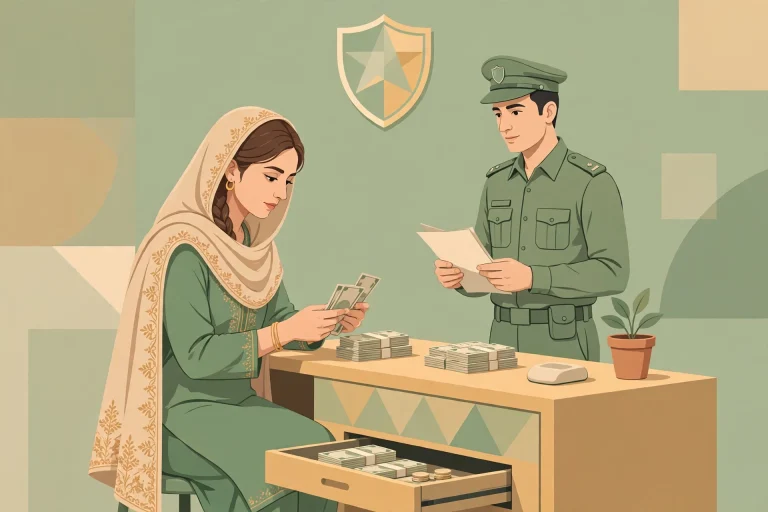
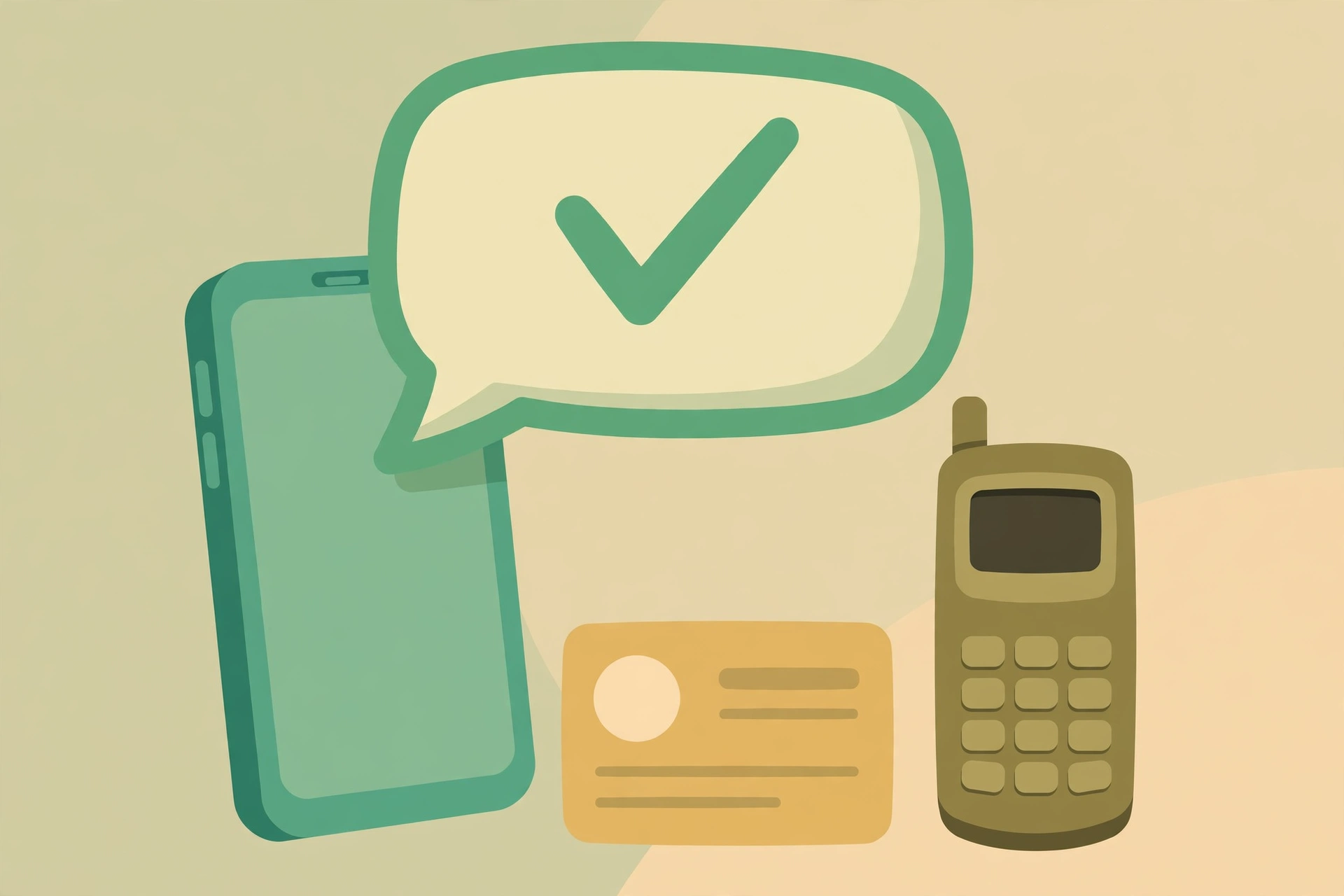
BISP replies use a few standard messages, and each one calls for a different action. If the reply says you are eligible and your payment has been released, you can collect your Rs 14,500 from an authorised payment point of any of the six partner banks: HBL, HBL Microfinance Bank, Bank Alfalah, Bank of Punjab, JazzCash, or Easypaisa. Take your original CNIC and your registered mobile phone with you, and count the full amount on the spot.
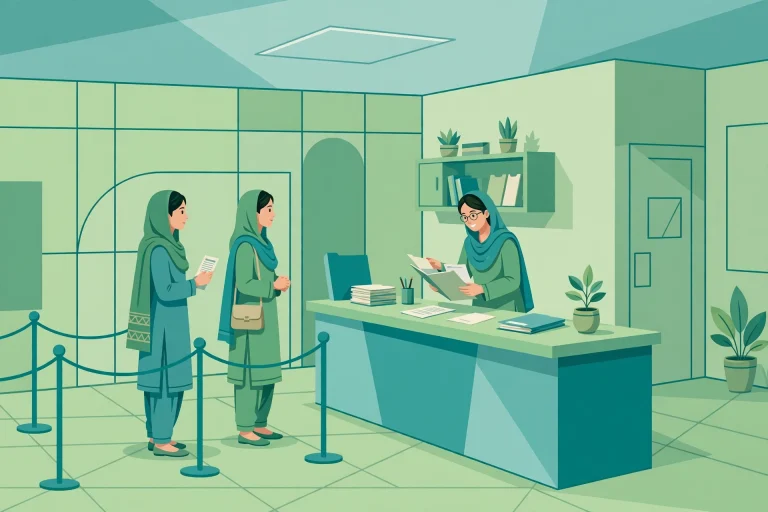
If the reply says your record is under verification, it means BISP is still checking your survey or documents. This is common after a new NSER dynamic survey, or when details in your record have changed. Do not pay anyone who promises to finish the verification faster for a fee. Wait for BISP’s decision, and if the status does not change for several weeks, visit your nearest BISP tehsil office with your original CNIC to ask what is missing.
If the reply says you are not eligible, it means your household did not meet the programme’s criteria, usually because of the PMT score from the NSER survey. You can visit a BISP tehsil office to ask whether a fresh survey is possible, or whether your household details need updating. A “not eligible” reply does not always mean the decision is final, but only BISP can change it, never an agent.
If you receive no reply at all, first check that you sent the CNIC to 8171, not to another number, and that you typed all 13 digits without dashes. Then check that the SIM you used is the registered one. If everything is correct and there is still no reply after a few hours, try again once, or use the 8171 web portal instead. Heavy traffic during payment releases can delay replies.
SMS Check vs Web Portal: Which Is Better?
Both methods read the same official record, so neither is more correct than the other. The SMS check is better when you have no internet, no smartphone, or no computer nearby, because it works on any phone. The web portal at 8171.bisp.gov.pk is better when you want more detail, such as the full status of your record, because it shows the result on screen and can be checked from any device with internet.
Many beneficiaries use both: the SMS check for a quick answer on the go, and the portal when they want to double-check a reply they did not understand. Whatever method you use, the result should match, because both come from the same BISP database. If the two disagree, trust the newer result and check again after a day, as records are updated in stages during a payment release.
Common Problems with the BISP 8171 SMS Check 2026
The most common problem is sending the CNIC from the wrong number. The SMS must come from the mobile number registered in your name in the BISP record. If your number has changed, the reply may not arrive, or the system may not recognise your CNIC. Visit a BISP tehsil office with your original CNIC to update your number.
A second problem is an expired CNIC. If your CNIC has expired, renew it at NADRA first, because an expired CNIC can stop your payment and affect your record. A third problem is typing the number wrong: a single wrong digit means the system cannot find your record, and you may get a confusing reply or none at all. Type the 13 digits slowly and check them before sending.
A fourth problem is trusting replies from other numbers. Genuine BISP messages come only from 8171. If you receive a message from a normal mobile number claiming your payment is ready, or asking you to call a number, send a code, or pay a fee, delete it. It is not from BISP. Never share your wallet PIN or any code sent to your phone with anyone who calls or messages you.
Safety Rules for Every 8171 Check
Never pay anyone for a status check. Checking your eligibility and payment status is free through 8171 and the web portal. Never give your CNIC number, wallet PIN, or any code to a caller who claims to be a BISP officer. BISP never asks for these details by phone. Never click a link in a message about your BISP payment unless you typed the address yourself; the only official portal is 8171.bisp.gov.pk.
If you are unsure about a message, check your status yourself on the portal, or call the free BISP helpline on 0800-26477. The helpline can confirm your status and tell you what to do next, and it costs nothing to call.
Frequently Asked Questions
What is the bisp 8171 sms check 2026?
It is BISP’s official SMS service for checking eligibility and payment status. You send your 13-digit CNIC number without dashes as a text message to 8171, and BISP replies with your status. The check itself is free, though your network may charge its normal SMS rate for sending the message.
How long does the 8171 reply take?
Usually a few minutes. During busy payment-release days it can take longer. If you receive no reply after a few hours, check that you sent the CNIC to 8171 from your registered number, then try once more or use the 8171 web portal.
Can I check someone else’s payment by SMS?
No. The SMS should be sent from the mobile number registered in the beneficiary’s own name. Checking another person’s record from your phone may not work, and you should never share your CNIC or phone with strangers who offer to check for you.
What should I do after the SMS says my payment is released?
Visit an authorised payment point of any of the six partner banks with your original CNIC and registered mobile phone. Collect the full Rs 14,500 for the October to December 2026 quarter, count it on the spot, and accept no deduction. A fixed Rs 280 wallet cash-out fee may apply where relevant, but no agent may charge anything else.
Is the SMS check enough, or should I also use the portal?
The SMS check is enough for a quick answer. Use the web portal as well if you want more detail, if the SMS reply is unclear, or if you received no reply. Both methods read the same official BISP record.
Conclusion
The bisp 8171 sms check 2026 puts your payment status in your own hands with a single text message. Send your 13-digit CNIC to 8171 from your registered number, read the reply carefully, and visit a payment point only when it says your money has been released. Keep your CNIC and PIN safe, trust only messages from 8171, and call the free helpline on 0800-26477 whenever something looks wrong.
Share this method with women in your family and neighbourhood who have no internet access, so they too can check their payment safely from their own phone instead of travelling to a payment point on a rumour.
Disclaimer: This is an independent information website and is not affiliated with the Benazir Income Support Programme or the Government of Pakistan. Payment amounts and schedules can change, so confirm your own status on the 8171 web portal or the BISP helpline on 0800-26477 before travelling.