BISP Biometric Verification 2026 – Fix Fingerprint Issues & Collect Payment
The BISP biometric verification 2026 process is the fingerprint check every beneficiary must pass before collecting their quarterly installment, and this guide explains why it sometimes fails and exactly what to do about it. If your thumb impression is not matching at the payment point, our BISP wallet SIM guide explains how the new digital payment system works alongside verification — read both together before your next collection visit.
What Is BISP Biometric Verification?
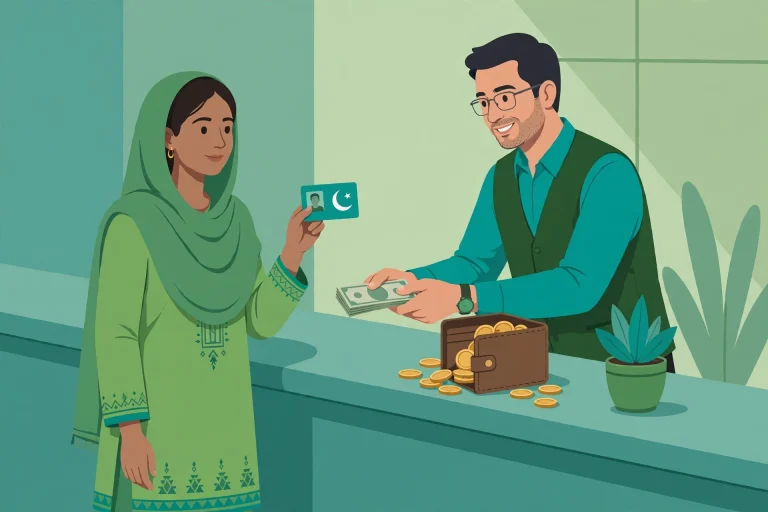
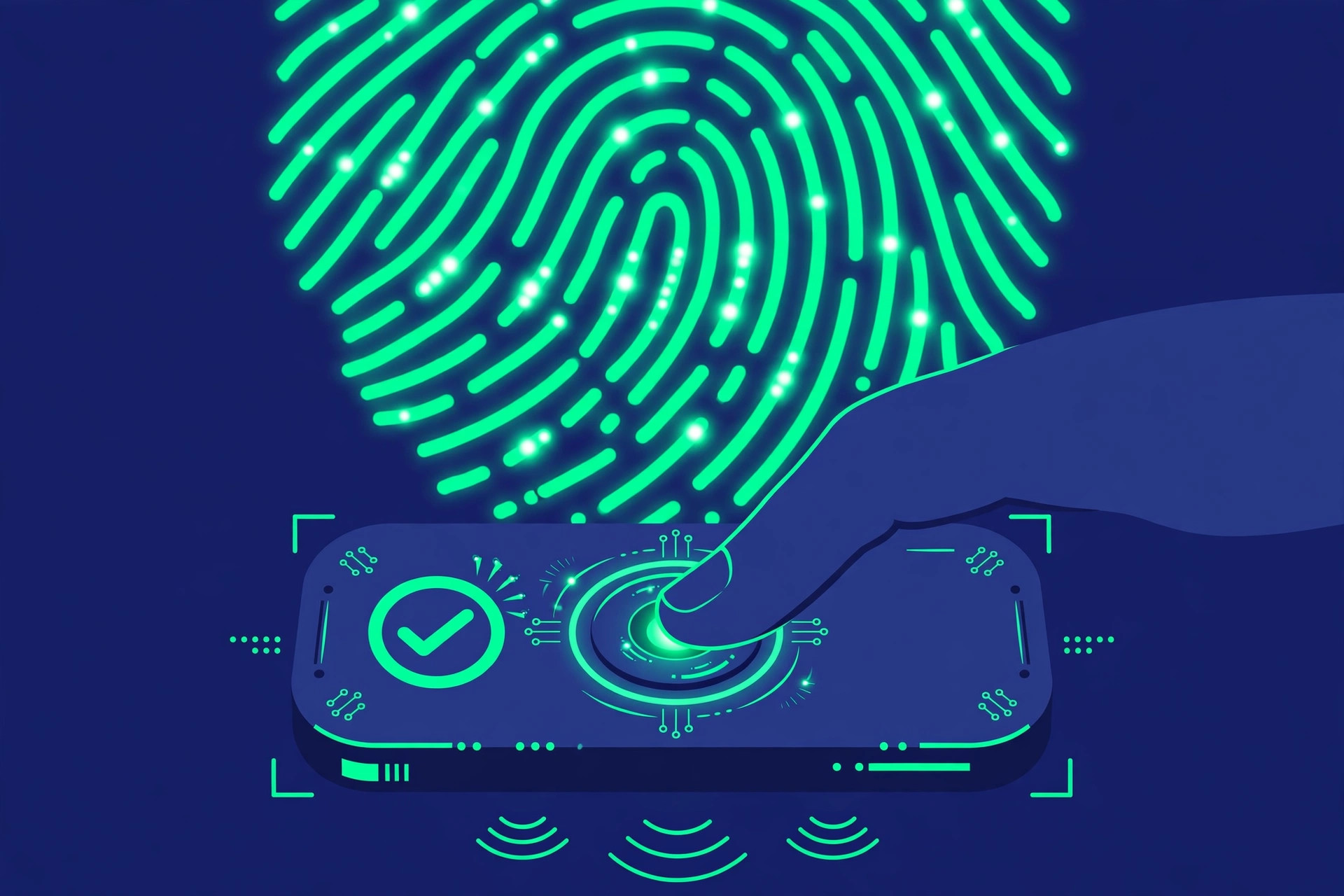
BISP biometric verification is a fingerprint-matching check that confirms the person collecting the money is the real beneficiary. When you place your thumb on the scanner at a payment point, the system compares your live fingerprint with the fingerprint record NADRA holds against your CNIC. If the two match, the payment is released; if they do not, the system refuses and you cannot collect that day.
This system exists to protect your money. Before biometric verification, fraudsters could collect installments using someone else’s CNIC or fake documents. The fingerprint check makes that nearly impossible — but it also means that when your own fingerprints do not read properly, you are the one who suffers the delay. Understanding why failures happen is the first step to fixing them.
Where Biometric Verification Happens in 2026
You will face the fingerprint scanner at every official collection channel:
- Authorized retailers of BISP’s partner banks — the small shops with biometric devices where most beneficiaries collect cash.
- ATMs of partner banks that support biometric transactions for BISP payments.
- BISP payment camps set up in some districts during payment phases.
- Wallet/SIM registration points — with the 2026 digital wallet rollout, your fingerprint is also used when your BISP wallet is created and linked to your SIM.
Every one of these points uses the same NADRA fingerprint record, so if your thumb fails at a retailer, it will fail at the ATM too. The fix has to happen at the record or the finger level — moving to another shop will not help.
Why BISP Biometric Verification Fails
Fingerprint mismatch is one of the most common BISP complaints, and it has well-known causes:
- Worn fingerprints — the biggest cause. Elderly women and women who do manual work (washing, farming, construction, cooking over years) often have faint or worn ridge patterns that scanners cannot read.
- Dry, dirty, or oily hands — dust, flour, oil, or very dry skin blocks the scanner’s reading. This is temporary and easy to fix.
- Cuts, burns, or henna (mehndi) — damaged skin or thick henna on the thumb changes the pattern the scanner expects.
- NADRA record mismatch — if your fingerprints were recorded poorly years ago, or your CNIC was renewed with a different print quality, the stored record may not match your real thumb.
- Expired or damaged CNIC — verification is tied to a valid CNIC; an expired card can cause the whole check to fail.
- Faulty scanner — dirty or low-quality devices at some retail points fail even good fingerprints. If everyone at one shop is failing, suspect the machine.
Knowing which cause applies to you decides the fix. A dirty thumb needs soap; a permanently worn fingerprint needs a NADRA record update.
How to Fix BISP Biometric Verification Problems
Work through these steps in order — most failures are solved by the first two:
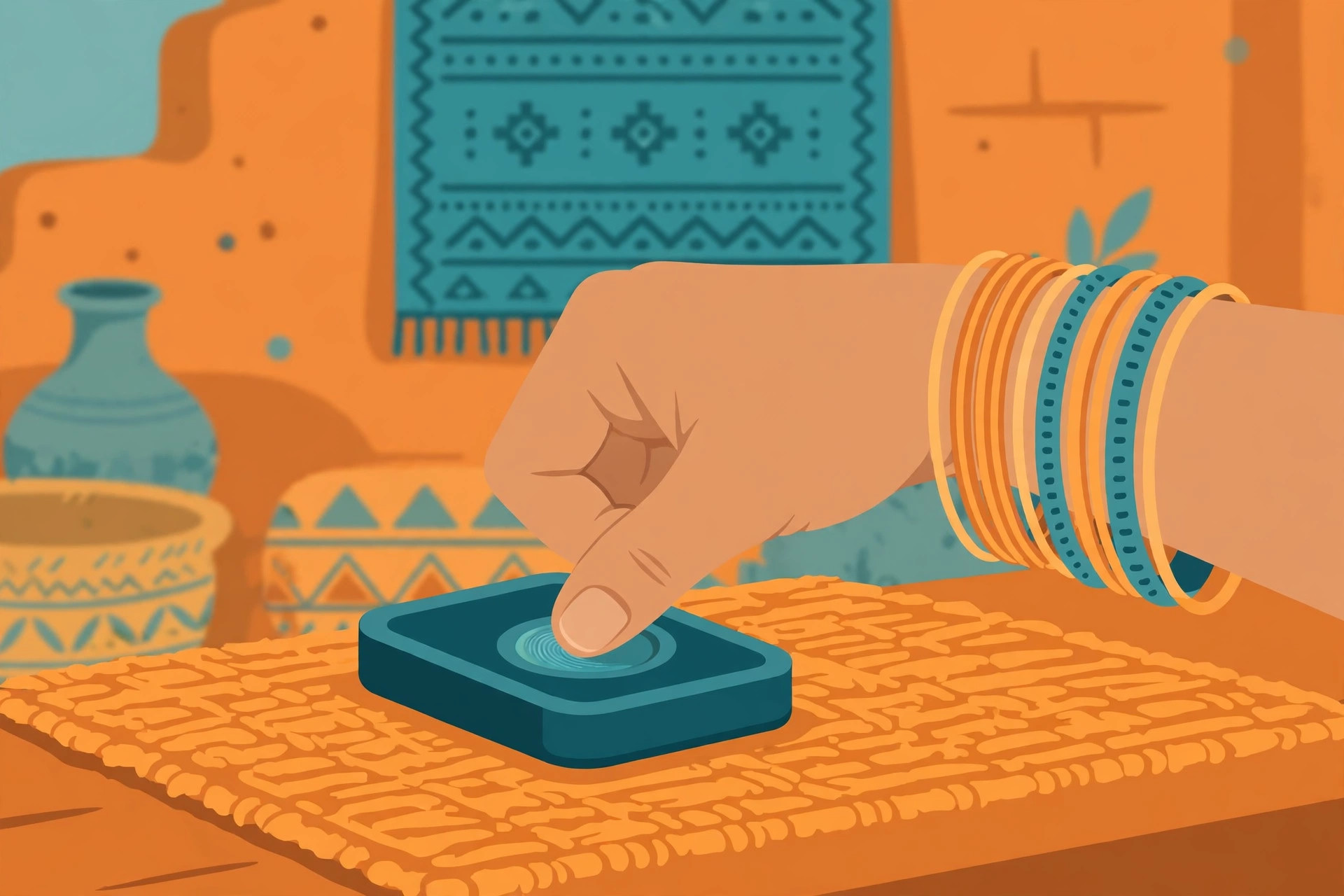
- Clean and dry your thumb — wash your hands with soap, dry them fully, and try again. Remove henna residue, oil, or flour first. For very dry skin, a small amount of moisturizer applied a few minutes before the scan can help the ridges read.
- Try a different finger — NADRA usually records multiple fingerprints. Ask the retailer to try your other thumb or index fingers; one of them often reads better.
- Try a different device or time — if several people are failing at the same shop, the scanner may be dirty or faulty. Visit another authorized point or return at a less busy hour.
- Update your fingerprints at NADRA — if your prints are permanently worn, visit a NADRA office to re-record your biometrics and renew your CNIC if needed. After the update, allow some days for the record to sync, then retry at the payment point.
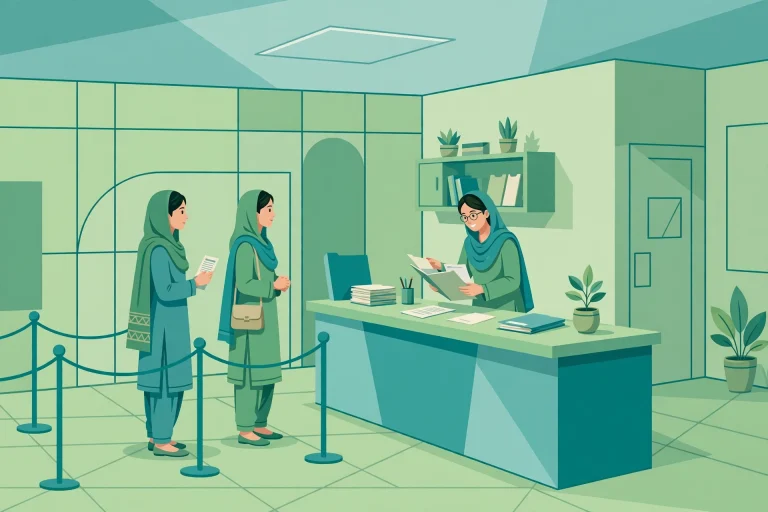
- Visit your BISP Tehsil Office — explain that biometric verification keeps failing. BISP staff can check your record and guide you to the alternate verification process for genuine cases. Carry your original CNIC.
- Call the helpline — for persistent failures, call the toll-free BISP helpline at 0800-26477 (Monday to Friday) and register your complaint with your CNIC number.
Do not pay any retailer, agent, or “helper” extra money to “fix” your fingerprint — there is no paid shortcut, and anyone offering one is running a scam.
Biometric Verification and the New Wallet System
The 2026 shift to digital wallets has made biometric verification even more central. Your BISP wallet is created against your biometric record and linked to your free BISP SIM, and the wallet registration deadline is December 31, 2026. Beneficiaries whose fingerprints consistently fail should resolve the issue before the deadline, because wallet activation itself requires a successful biometric match.
Once your wallet is active, cash withdrawals carry the fixed Rs 280 service charge confirmed by the State Bank, while online and RAAST transfers remain free. Keep your SIM active and registered on your own CNIC — a SIM registered on someone else’s name can create verification problems of its own.
Safety Tips at Verification Points
- Use only authorized retailers and official points — never hand your CNIC to a stranger who offers to “verify” you elsewhere.
- Never share OTP codes — BISP and its banks will never ask for your OTP, PIN, or password. Anyone who asks is a fraudster.
- Count your money at the counter — verify the full Rs 14,500 (for the current quarter) before leaving.
- All BISP services are free — verification, surveys, SIM issuance, and status checks cost nothing. Report anyone demanding payment to 0800-26477.
- Keep your CNIC safe — do not leave your original CNIC with any shopkeeper “for later.”
Frequently Asked Questions
What should I do if my thumb impression is not matching for BISP payment?
First clean and dry your thumb and try a different finger. If it still fails, try another authorized point; for permanent fingerprint wear, update your biometrics at NADRA and then visit your BISP Tehsil Office for guidance.
Can someone else collect my BISP payment with my CNIC?
No. Biometric verification requires the beneficiary’s own live fingerprint, which is exactly why the system exists.
Is there any fee for biometric verification?
No. Verification is completely free at all official points.
Does the wallet system still need fingerprint verification?
Yes — wallet creation and linking are done against your biometric record, so unresolved fingerprint issues should be fixed before the December 31, 2026 wallet deadline.
Who do I contact if verification keeps failing?
Call the toll-free BISP helpline 0800-26477 or visit your nearest BISP Tehsil Office with your original CNIC.
Conclusion
BISP biometric verification 2026 protects your installment from fraud, but worn or dirty fingerprints can lock out genuine beneficiaries. In most cases the fix is simple — clean hands and a different finger — and for permanent fingerprint wear, a NADRA biometric update followed by a visit to your BISP Tehsil Office sets things right. Never pay anyone for verification help, resolve issues before the December 31, 2026 wallet deadline, and always confirm your personal status on the official 8171 portal.
Disclaimer: This website is an independent information portal and is not affiliated with the Government of Pakistan or the Benazir Income Support Programme. Procedures and charges can change; always confirm your personal status on the official 8171 portal or by calling the BISP helpline 0800-26477.