BISP Mobile Number Update 2026 – Change Your Registered Number Safely
A bisp mobile number update 2026 is one of the most important record changes a beneficiary can make, because almost every BISP message — payment alerts, survey notices, and verification updates — goes to the mobile number registered against your CNIC. If that number is lost, blocked, or belongs to someone else, you may miss your payment message entirely, even though your payment itself is ready. This guide explains when an update is needed, why it cannot be done by SMS or through a website link, and the exact official steps to change your number safely. For the survey desk where this update is handled, see our dynamic survey guide: BISP 8171 dynamic survey guide.
Check Now on the Official 8171 Portal
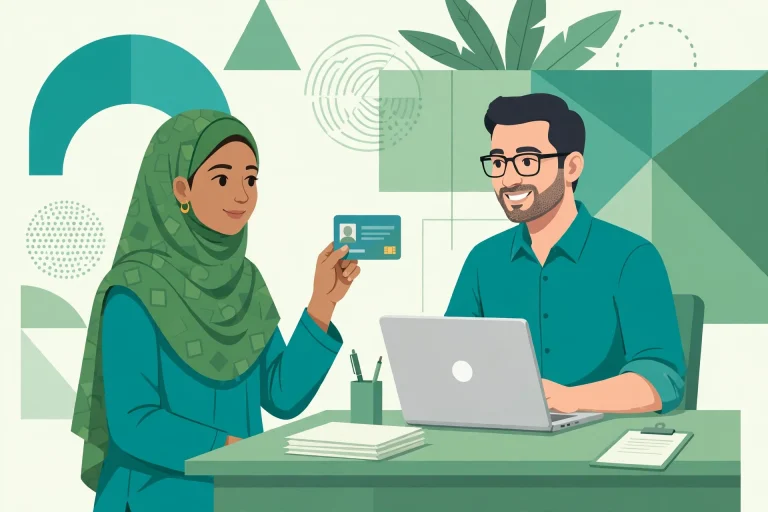
First, an important warning: BISP does not allow mobile number changes through a simple SMS, a phone call, or a third-party app, for security reasons. Anyone who offers to update your BISP number online, through WhatsApp, or for a fee is not following the official process — and may be trying to redirect your payment messages to their own number. The official route is an in-person visit to your nearest BISP Tehsil Office, where your identity is checked by biometric verification before any record is changed. That extra step protects you: it ensures only the genuine beneficiary can change the number that receives payment alerts.
When Do You Need a BISP Mobile Number Update 2026?
You need an update whenever the number BISP holds for you no longer reaches you. The most common case is a lost or stolen SIM: if your registered SIM is gone, payment SMS messages will go nowhere, and you will not know when your installment is ready. The same applies if your SIM has been blocked, if you have switched to a new number, or if your old number was registered in a family member’s name and that person is no longer available. In all of these cases, do not wait until payment week — update the number as soon as you have a new SIM in your own name.
There are two other situations worth checking. If you never received BISP messages even though your record shows you as eligible, your registered number may be wrong or outdated — a digit entered incorrectly during the survey can cause this. And if someone else has been receiving your BISP messages, treat it as urgent: visit the Tehsil Office promptly so the number can be corrected to one that only you control. Never share your new number with an agent or a stranger who offers to update it for you; the update should happen at the official counter, in front of you.
Documents You Need Before Visiting the Tehsil Office
Prepare these items before you travel, so your visit is not wasted. Carry your original CNIC — it must be valid and not expired, because an expired CNIC can block processing of your record. If your CNIC has expired, renew it at NADRA first, then visit the BISP office. Carry your new SIM as well: it must be active and registered at NADRA against your own CNIC, not a family member’s. Bring the mobile phone with the new SIM inserted, so staff can send a test verification message and confirm on the spot that the number works.
Children’s B-Forms and a recent electricity bill may also be asked for, depending on your household record. There is no fee for this update — registration, survey, and record updates at BISP offices are completely free, and anyone demanding payment should be reported on 0800-26477.
Step-by-Step: How to Update Your Number at the Tehsil Office
Step one is to visit your nearest BISP Tehsil Office or registration centre during working hours, with the documents above. At the entrance or information counter, explain that you need to update the mobile number in your BISP record. You will be directed to the NSER dynamic survey or roster-update counter — the same desk that handles household record changes. If your household was already surveyed, staff will give you a roster-update token rather than a new survey token; this is normal, and it covers changes such as a new mobile number, a birth, a death, or a marriage in the household.
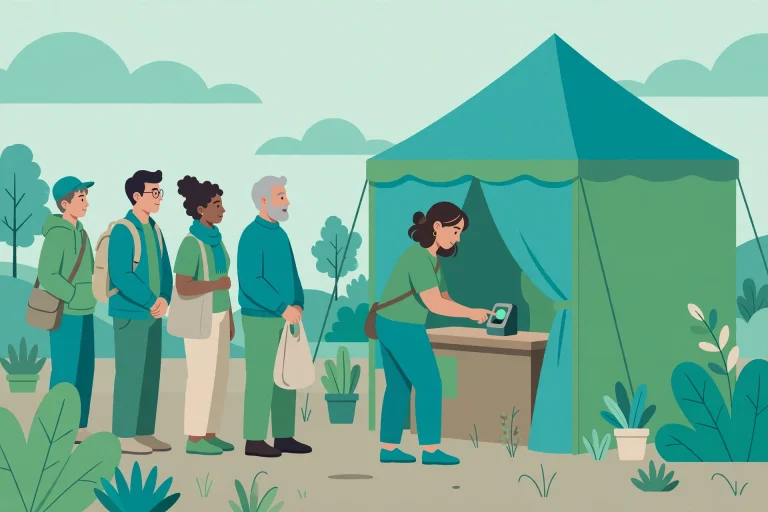
Step two is biometric verification: staff will ask for your thumbprint on the scanner to confirm you are the genuine beneficiary. This is why the update cannot be done online or by SMS — it ties the new number to your verified identity. Step three is the update itself: give staff your new 11-digit number for entry into your NSER record. You should then receive a confirmation message on the new number. Before leaving, confirm the number shown in your record and check the test message arrived; if not, tell staff immediately.
Can You Do a BISP Mobile Number Update 2026 Online?
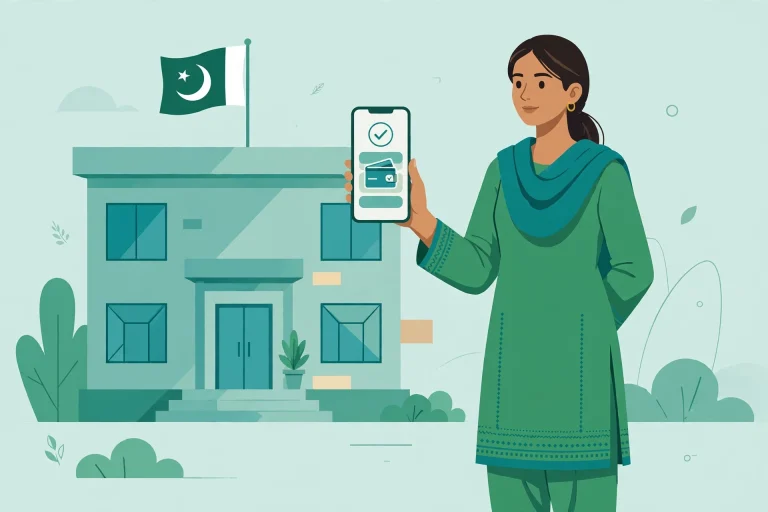
As of 2026, the 8171 web portal is mainly a checking service: you can use it to check eligibility and payment status by entering your 13-digit CNIC number and the captcha code, but it does not currently allow a direct mobile number change. This limitation is deliberate — a number that controls payment alerts is too sensitive to change without biometric proof of identity. The same applies to SMS: sending your CNIC to 8171 checks your status, but it does not update your registered number. Any website, app, or WhatsApp message claiming to change your BISP number online should be treated as fraud, and you should never enter your CNIC or pay a fee on such a service.
If you cannot visit an office immediately, keep your old SIM active if you possibly can, so you do not miss messages, and plan your visit as soon as you are able. Do not hand your CNIC and new SIM to an agent to take on your behalf; the biometric step requires your own presence. You can call 0800-26477 for guidance on the nearest centre, but the update itself still happens at the counter.
After the Update: Checks and Common Problems
Once your number is updated, test it. A successful bisp mobile number update 2026 means messages now reach your new number: send your 13-digit CNIC number by SMS to 8171 from the new number and confirm that the reply matches your record. You can also check your status on the official portal with your CNIC. If messages still go to the old number, return to the Tehsil Office with your CNIC and explain the problem — do not pay anyone to “fix” it privately. If your payment is due soon, check your status before travelling to a payment centre, and remember that payments are released phase by phase across districts, so a neighbour’s payment arriving first does not mean yours is missing.
Three common problems deserve attention. If your new SIM is not in your own name, the update may be refused — transfer it at your operator’s franchise first. If your CNIC is expired, renew it at NADRA before the visit. If your thumbprint fails, staff can guide you to NADRA for a biometric update. In each case, the fix runs through an official counter, never through a paid middleman.
Frequently Asked Questions
Can I change my BISP mobile number by SMS to 8171? No. SMS to 8171 only checks your status. A number change requires an in-person visit to a BISP Tehsil Office with your original CNIC and a new SIM registered in your own name, plus biometric verification.
Can I update my number on the 8171 web portal? No. The portal is for checking eligibility and payment status. It does not currently allow a direct mobile number change, for security reasons.
What documents do I need? Your original valid CNIC, a new active SIM registered in your own name, and the phone with that SIM inserted. Children’s B-Forms and a recent electricity bill may also be requested depending on your household record.
Is there any fee for updating my number? No. BISP record updates are completely free. Anyone demanding a fee should be reported on the toll-free helpline 0800-26477.
What if my old SIM is lost and I cannot receive messages? Get a new SIM in your own name, then visit the Tehsil Office promptly with your CNIC to update the record. Do not share your new number with agents or through links claiming to update it online.
A timely bisp mobile number update 2026 keeps your payment messages reaching you, and you alone. Get a SIM in your own name, visit your nearest BISP Tehsil Office with your original CNIC, complete the biometric check, and confirm the test message on your new number before you leave. It costs nothing, takes one visit, and protects every payment message that follows.
Disclaimer: This is an independent information website and is not affiliated with BISP or the Government of Pakistan. Procedures and requirements can change, so please confirm the latest process at your nearest BISP Tehsil Office or on the official 8171 portal before travelling.