BISP 8171 Easypaisa Payment 2026 – Withdraw Rs 14,500 via Easypaisa Agent & App
The BISP 8171 Easypaisa payment 2026 option lets Benazir Kafaalat beneficiaries withdraw their Rs 14,500 quarterly qist from any authorised Easypaisa agent of Telenor Microfinance Bank. Easypaisa is one of the six partner institutions in BISP’s new interoperable payment system, so your money is no longer tied to a single bank’s counter — once your payment is released and you receive the SMS from 8171, you can collect it from a nearby Easypaisa shop after biometric verification. If you already use a mobile wallet for BISP, you may also want to read our BISP JazzCash payment guide, which explains the same process for JazzCash agents.
What Is the BISP 8171 Easypaisa Payment 2026 Option?
The BISP 8171 Easypaisa payment 2026 option is the Easypaisa channel of the new BISP payment system. Under this system, BISP pays the Benazir Kafaalat installment into a digital Social Protection Wallet, and the wallet is interoperable across six partner institutions: HBL, HBL Microfinance Bank, Bank Alfalah, Bank of Punjab, Telenor Microfinance Bank (Easypaisa) and Mobilink Microfinance Bank (JazzCash). In practice, that means an Easypaisa agent can disburse your payment even if your wallet was opened through another partner bank.
The first disbursement under this six-bank system began on the evening of 12 November 2026, and the October–December 2026 qist of Rs 14,500 is being released phase-wise, district by district. Easypaisa’s agent network is one of the largest in Pakistan, with shops in most towns and many villages — which is why this channel matters for beneficiaries who live far from a bank branch.
One important point: Easypaisa is only a payment channel. BISP — not Easypaisa — decides who is eligible, when a district’s phase starts, and how much is paid. If your status shows “not eligible” or your payment has not arrived, the reason is almost always that your district’s phase has not started yet, not a problem with Easypaisa itself.
How to Withdraw Your BISP 8171 Easypaisa Payment 2026
Follow these steps in order. Do not visit an agent before the SMS arrives — your payment may not be in the system yet.
- Check your status first. Send your 13-digit CNIC number by SMS to 8171, or check on the official portal at 8171.bisp.gov.pk. The reply tells you whether you are eligible and whether your payment has been released.
- Wait for the official SMS from 8171. BISP sends an SMS to your registered mobile number when the money is transferred to your wallet. Only the number 8171 is official — messages from any other number are fake.
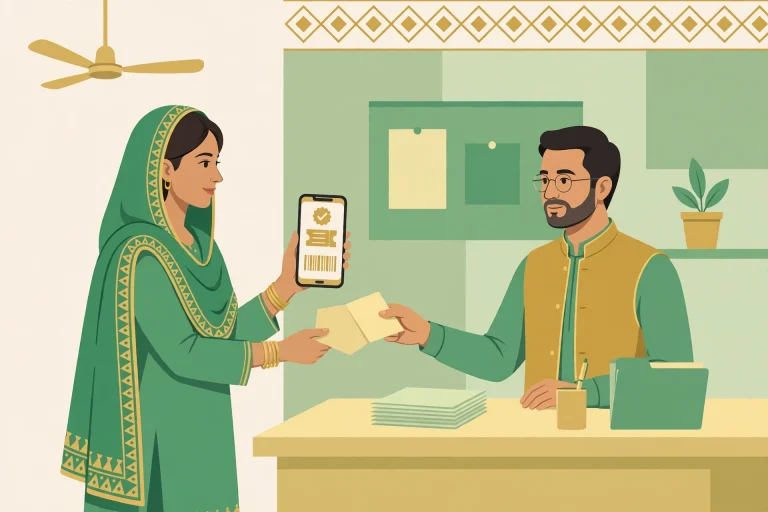
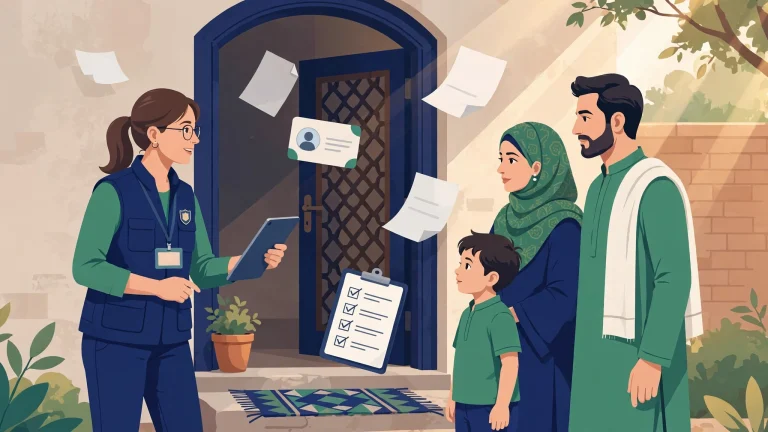
- Visit an authorised Easypaisa agent. Go to a nearby Easypaisa shop or authorised agent. Make sure it is an official Easypaisa agent point — look for proper Easypaisa branding and ask the agent to confirm he is authorised for BISP disbursement.
- Take your original CNIC and your registered mobile phone. Both are required. The agent will verify your identity through biometric (fingerprint) verification before releasing the money.
- Complete biometric verification. Place your thumb on the biometric device. If your fingerprint fails, try another finger, clean and dry your hands, and ask the agent to retry. If it still fails, visit your nearest BISP tehsil office for help — do not pay anyone to “fix” your fingerprint.
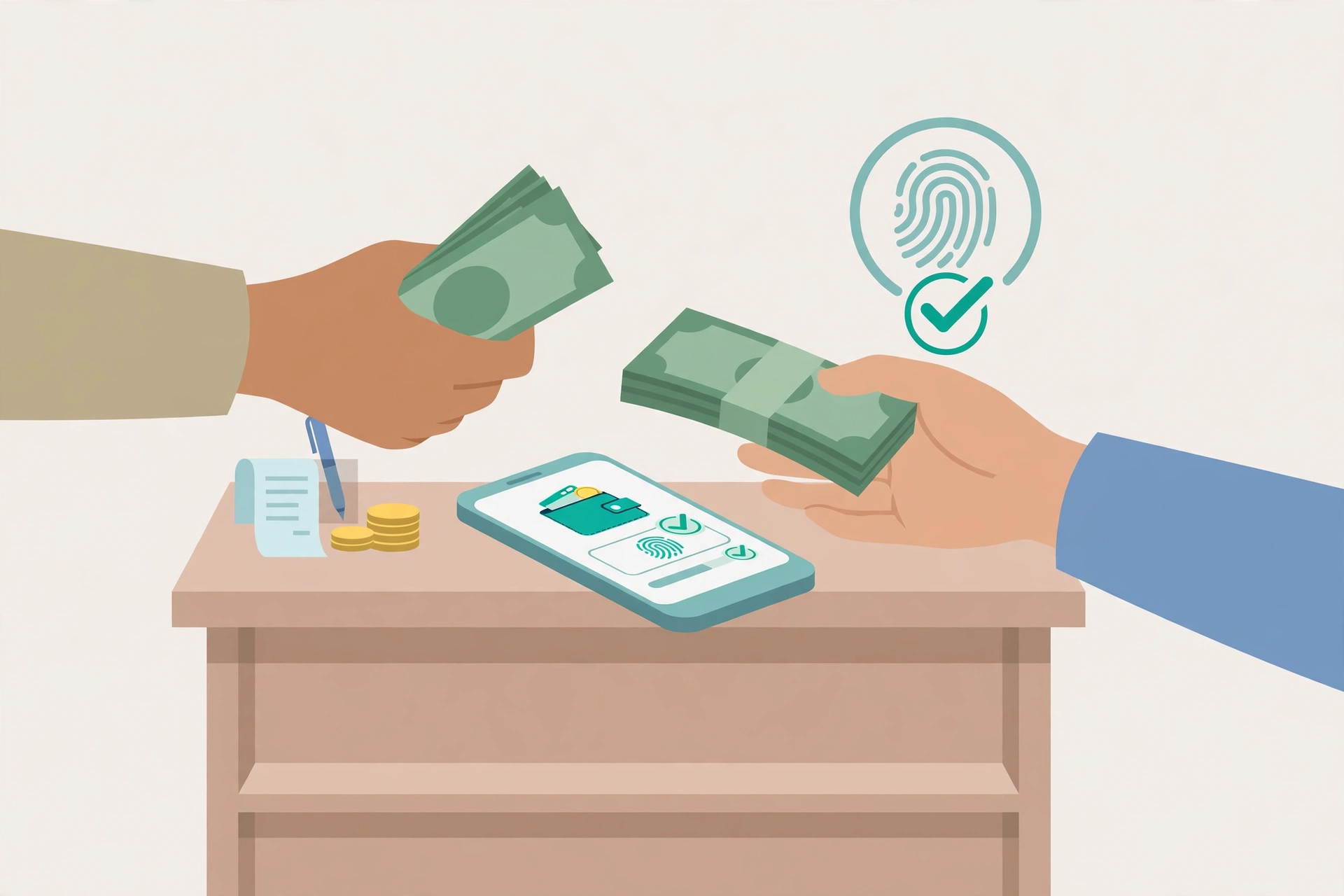
- Count the full Rs 14,500 on the spot. The agent must hand you the complete amount. The only official charge is the Rs 280 wallet cash-out fee where it applies — no agent may deduct a service fee or keep a share.
- Keep the receipt and the SMS. Take the payment receipt and keep your 8171 SMS safe. They are your proof of payment if any problem arises later.
Documents You Need for Easypaisa Collection
- Original CNIC — a photocopy is not accepted for biometric disbursement. If your CNIC is expired, renew it at NADRA first, because an expired CNIC can stop your payment.
- Registered mobile phone — the SIM must be the number registered with BISP, because the 8171 SMS and verification are linked to it.
- The 8171 SMS — keep it on your phone as proof that the payment was released.
- No other document is required. No agent may ask you for extra papers, photographs, or a fee to process your payment.
Easypaisa Fee: Only Rs 280, and Only Where It Applies
The only official charge connected to a BISP payment is the Rs 280 wallet cash-out fee, which applies where the digital wallet cash-out method is used. It is a fixed amount — never a percentage and never negotiable upward. No Easypaisa agent may charge you a separate “service fee”, “agent fee” or “fast payment” charge on top of it.
If an agent asks for more than the official fee, or deducts any amount from your Rs 14,500, refuse politely, note the agent’s name and shop location, and report it at your district BISP office or on the toll-free helpline 0800-26477. BISP’s own payment notices for the current quarter direct officials to resolve such complaints during disbursement, and the Sindh Central Zonal Office order of 10 November 2026 specifically ordered spot checks during payment.
Easypaisa vs Other BISP Collection Options
Because the system is now interoperable, you can choose whichever channel is nearest and most convenient. The amount is the same everywhere — Rs 14,500 in full.
| Collection option | Where | What you need |
|---|---|---|
| Easypaisa agent | Authorised Easypaisa shops nationwide | Original CNIC, registered mobile, biometric |
| JazzCash agent | Authorised JazzCash shops nationwide | Original CNIC, registered mobile, biometric |
| Partner bank retailer | HBL, Bank Alfalah, Bank of Punjab retailers | Original CNIC, registered mobile, biometric |
| ATM (selected banks) | HBL and Bank Alfalah ATMs | Original CNIC, biometric at ATM |
| BISP campsite | Designated campsites during disbursement | Original CNIC, registered mobile, biometric |
Easypaisa’s advantage is reach: its agent shops are present in small towns and rural areas where bank branches are scarce. JazzCash agents offer the same advantage. If both are available near you, choose the one with the shorter queue and a proper receipt system — and always count your money before leaving.
Can You Check or Withdraw BISP Money in the Easypaisa App?
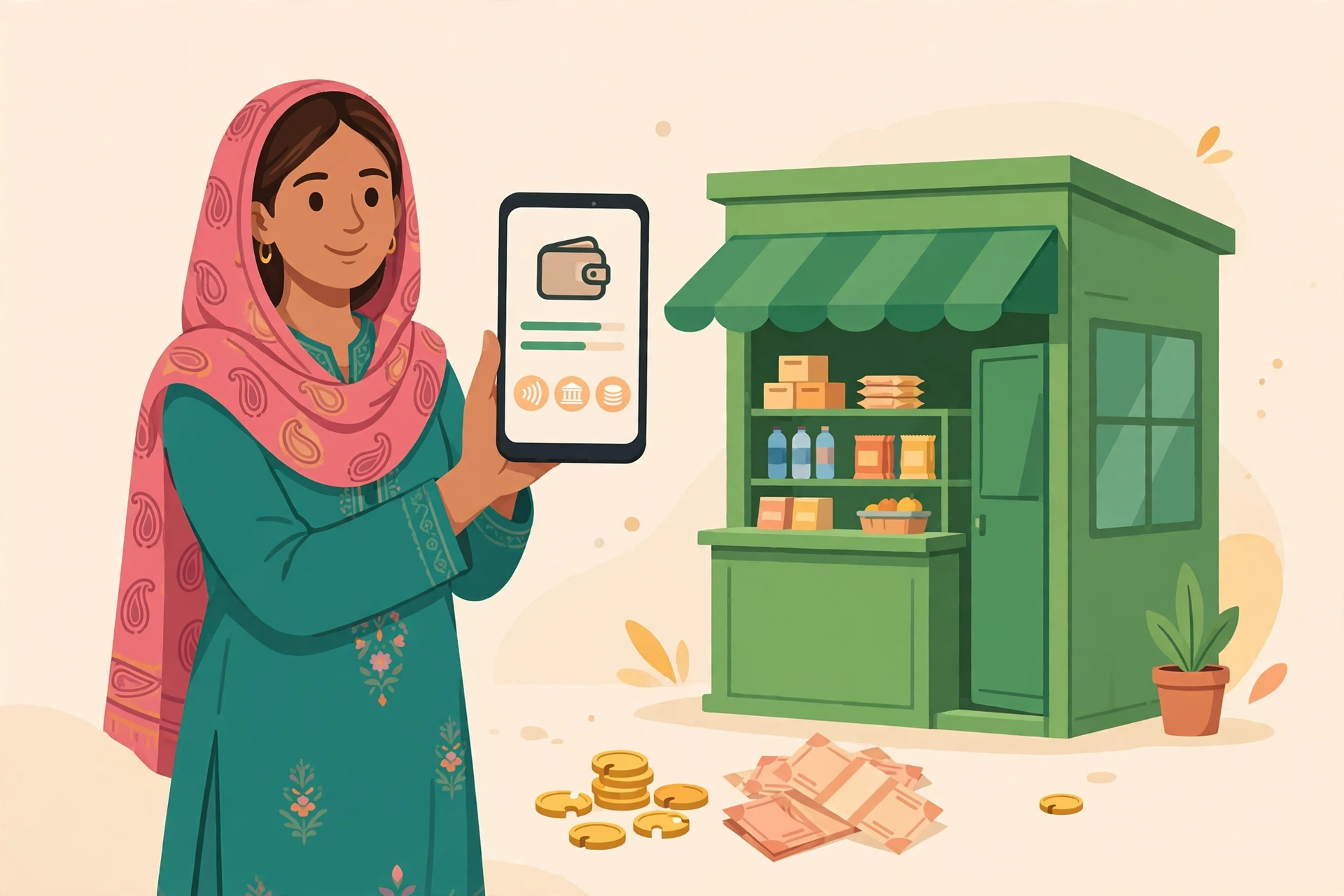
Beneficiaries often ask whether the BISP payment appears inside the Easypaisa app. Here is the safe position: BISP pays into a Social Protection Wallet that is linked to your registered mobile number, and partner-bank agents — including Easypaisa agents — disburse it after biometric verification. The wallet balance and the disbursement are managed through BISP’s own system, and your payment status is confirmed only through the official 8171 portal or SMS to 8171.
Do not trust any third-party app, agent or social-media post that claims to show or release your BISP payment outside the official channels. If an app or agent asks for your CNIC number, PIN, OTP or biometric data outside an official payment point, stop and verify on the official portal or by calling 0800-26477. And remember: BISP never asks for your PIN or OTP — anyone who does is attempting fraud.
What to Do If Your Easypaisa Payment Has Not Arrived
- Check your phase: payments are released district by district. If your district’s phase has not started, your payment is not late — it is simply not your turn yet.
- Check your status again: SMS your CNIC to 8171 or visit 8171.bisp.gov.pk. If the reply says “under verification”, your case is being reviewed — see our guide on what under-verification means.
- Confirm your mobile number: if you changed your SIM or number, the 8171 SMS goes to the old registered number. Update your number at your nearest BISP tehsil office.
- Check your CNIC validity: an expired CNIC can stop payment until it is renewed at NADRA.
- Visit the tehsil office: if the portal shows you as eligible but no payment has arrived after your district’s phase began, the tehsil office can check your case and guide you.
- Do not pay anyone to “release” your payment: no agent, app or middleman can speed up a phase or release a payment early.
Frequently Asked Questions
Can I withdraw my BISP payment from any Easypaisa agent?
Yes. Under the interoperable system, any authorised Easypaisa agent of Telenor Microfinance Bank can disburse your Rs 14,500 after biometric verification with your original CNIC, once your district’s phase has started and you have received the SMS from 8171.
How much fee does Easypaisa charge for BISP payment?
The only official charge is the Rs 280 wallet cash-out fee where it applies. No Easypaisa agent may add a service fee or deduct any amount from your Rs 14,500.
Do I need the Easypaisa app to collect my BISP payment?
No. Collection is done at an authorised Easypaisa agent after biometric verification with your original CNIC and registered mobile phone. Your payment status is confirmed only on the official 8171 portal or by SMS to 8171 — do not trust third-party apps claiming to release BISP payments.
Is the BISP payment Rs 18,000 now?
No. The current October–December 2026 qist is Rs 14,500. An increase to Rs 18,000 from January 2027 has been proposed, but it has not been confirmed or started. Confirm any amount on the official portal before believing social-media posts.
What if my fingerprint fails at the Easypaisa agent?
Try another finger and make sure your hands are clean and dry. If biometric verification keeps failing, visit your nearest BISP tehsil office for guidance — never pay anyone to fix your fingerprint.
Disclaimer: This is an independent information website and is not the official website of the Benazir Income Support Programme, Easypaisa, Telenor Microfinance Bank, or the Government of Pakistan. Payment amounts, dates and procedures are based on publicly available information as of 15 November 2026; please confirm your payment status and any fee on the official 8171 portal (8171.bisp.gov.pk), by SMS to 8171, or on the BISP helpline 0800-26477 before visiting an agent.